
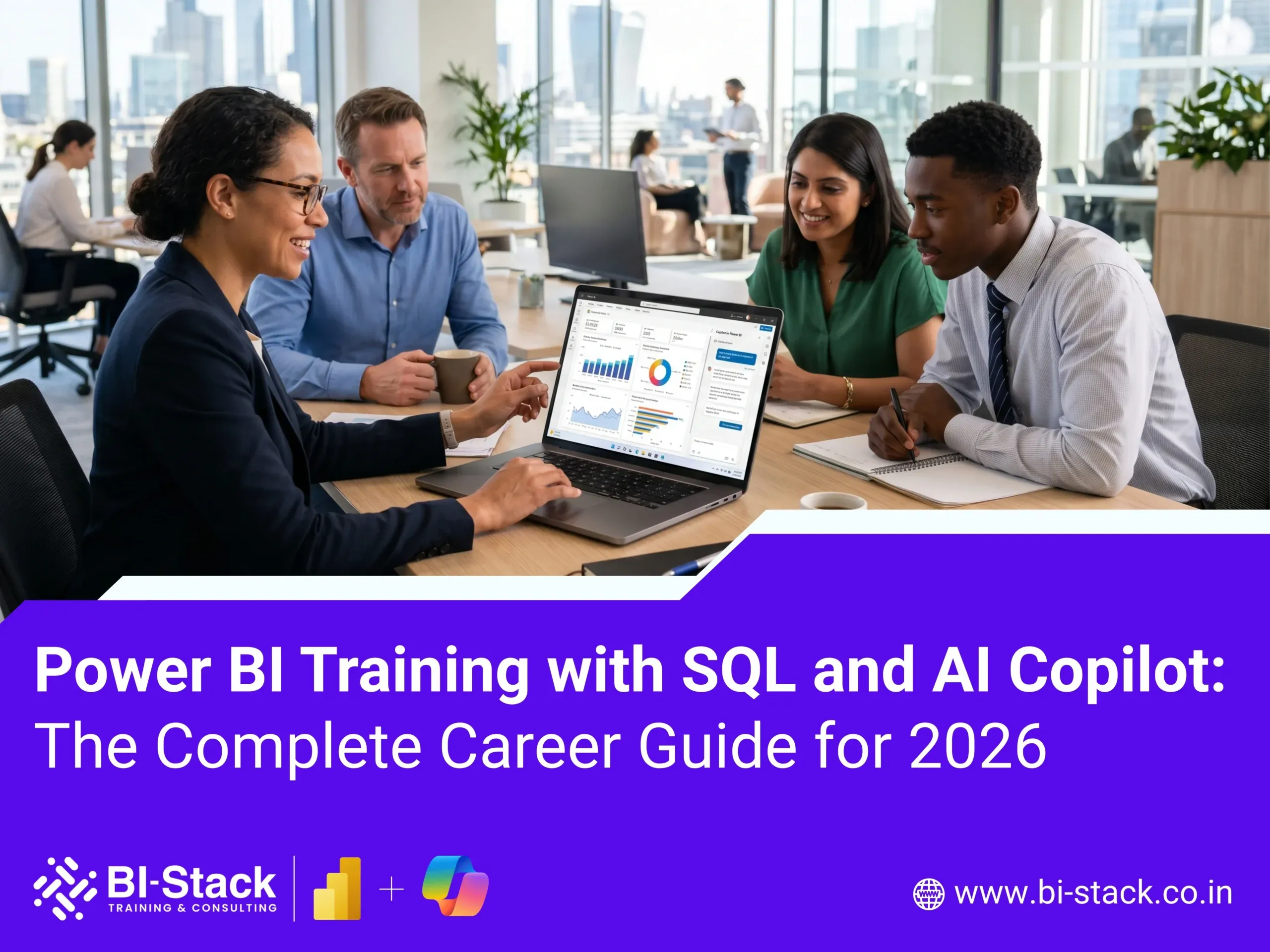
Power BI Training with SQL and AI Copilot: The Skills Every Data Professional Needs in 2026
The world of Business Intelligence is evolving rapidly. Organizations are no longer looking for professionals who can simply create reports—they need experts who can analyze data, write efficient SQL queries, build interactive dashboards, and leverage AI-powered tools to generate insights faster.
This is why Power BI, SQL, and AI Copilot have become one of the most valuable skill combinations in today’s job market.
Whether you are a fresher, working professional, business analyst, or aspiring data analyst, learning these technologies can open doors to high-paying opportunities across industries.
At BI Stack, we provide industry-oriented Power BI Training that combines SQL fundamentals, advanced analytics, and AI-powered reporting capabilities to prepare learners for real-world business intelligence roles.
Why Power BI Is One of the Most In-Demand Skills Today
Power BI is Microsoft’s leading Business Intelligence and Data Visualization platform that helps organizations transform raw data into meaningful insights.
Businesses use Power BI to :
- Monitor KPIs
- Build executive dashboards
- Track business performance
- Analyze customer behavior
- Improve operational efficiency
- Generate data-driven decisions
Power BI has become a preferred analytics platform because it integrates seamlessly with :
- Excel
- SQL Server
- Azure
- Databricks
- SAP
- Salesforce
- Google Analytics
- Hundreds of other data sources
As organizations continue their digital transformation journey, Power BI professionals remain in high demand worldwide.
Why SQL Is Essential for Power BI Professionals
One of the biggest mistakes beginners make is focusing only on dashboard development.
In reality, over 70% of Business Intelligence work involves extracting, cleaning, and transforming data before visualization.
This is where SQL becomes critical.
SQL helps professionals:
Retrieve Data Efficiently
Learn how to query large databases using :
- SELECT
- WHERE
- GROUP BY
- ORDER BY
- HAVING
Perform Data Analysis
Analyze millions of records using :
- Joins
- Subqueries
- Window Functions
- Common Table Expressions (CTEs)
Create Business Reports
Generate datasets for :
- Sales Reporting
- Financial Analysis
- Customer Insights
- Inventory Tracking
Improve Dashboard Performance
Well-written SQL queries reduce dashboard loading times and improve report efficiency.
For this reason, most companies prefer Power BI professionals who possess strong SQL skills.
How AI Copilot Is Transforming Business Intelligence
Artificial Intelligence is revolutionizing the way organizations interact with data.
Microsoft Copilot and AI-powered analytics tools are helping professionals create reports and gain insights faster than ever before.
Instead of manually creating every visualization, AI Copilot can assist with:
Natural Language Queries
Users can ask questions such as :
“What were our top-selling products last quarter?”
And receive instant visual insights.
Automated Report Generation
AI helps generate :
- Charts
- Summaries
- KPIs
- Business Narratives
Faster Data Exploration
Professionals can identify trends and anomalies without writing complex calculations.
Improved Productivity
AI reduces repetitive work and allows analysts to focus on strategic decision-making.
Learning how to use AI Copilot with Power BI is becoming an essential skill for modern Business Intelligence professionals.
What You Learn in a Power BI Training Program
A comprehensive Power BI course should cover both foundational and advanced topics.
Power BI Fundamentals
- Power BI Desktop
- Power BI Service
- Power BI Mobile
- Report Publishing
- Dashboard Creation
SQL for Business Intelligence
- Database Concepts
- SQL Queries
- Joins
- Aggregations
- Views
- Stored Procedures
- Performance Optimization
Data Modeling
Learn how to build scalable analytical models using :
- Star Schema
- Snowflake Schema
- Relationships
- Fact Tables
- Dimension Tables
Power Query
Transform and clean data using :
- ETL Processes
- Data Preparation
- Data Transformation
- Data Integration
DAX (Data Analysis Expressions)
Master calculations including :
- Measures
- Calculated Columns
- Time Intelligence
- Ranking Functions
- Advanced Analytics
Data Visualization
Create professional dashboards using :
- KPI Cards
- Bar Charts
- Line Charts
- Matrix Reports
- Drill-through Reports
- Interactive Filters
AI Copilot Integration
Learn how AI can :
- Generate insights
- Create visualizations
- Build reports faster
- Improve data storytelling
Career Opportunities After Learning Power BI, SQL, and AI
Professionals with these skills can pursue roles such as:
Power BI Developer
Responsibilities include :
- Dashboard Development
- Data Modeling
- Report Optimization
Data Analyst
Analyze business data and deliver actionable insights.
Business Intelligence Analyst
Support decision-making using reporting and analytics.
Reporting Analyst
Create executive-level reports and KPI dashboards.
Analytics Consultant
Help organizations implement BI solutions.
Data Visualization Specialist
Design interactive and impactful business dashboards.
Why Employers Prefer Candidates with Power BI and SQL Skills
Organizations generate vast amounts of data every day.
They need professionals who can :
- Access data using SQL
- Transform data efficiently
- Build dashboards in Power BI
- Explain business trends
- Leverage AI-powered analytics
Candidates with all three capabilities stand out significantly during hiring processes.
What Makes a Good Power BI Training Program?
Before enrolling, ensure the course includes:
Real-World Projects
Practical experience is critical for job readiness.
SQL Integration
Power BI without SQL creates a major skill gap.
Advanced DAX
Employers often test DAX knowledge during interviews.
AI Copilot Exposure
Future-ready professionals must understand AI-powered analytics.
Resume Building Support
A strong portfolio improves interview success.
Mock Interviews
Hands-on interview preparation increases confidence.
Why Learn Power BI from BI Stack?
BI Stack’s Power BI Training Program is designed to meet current industry requirements and hiring expectations.
Our training includes :
✅ Power BI Fundamentals
✅ Advanced Power BI Reporting
✅ SQL for Data Analysis
✅ Data Modeling
✅ Power Query
✅ DAX Calculations
✅ AI Copilot for Analytics
✅ Real-World Projects
✅ Dashboard Development
✅ Interview Preparation
✅ Career Guidance
Whether you are a student, fresher, business analyst, accountant, software engineer, or working professional, our program helps you develop practical Business Intelligence skills that employers actively seek.
Frequently Asked Questions
Is SQL required for Power BI?
Yes. SQL is one of the most important skills for Power BI professionals because data retrieval and transformation form the foundation of reporting and analytics.
Can beginners learn Power BI?
Absolutely. Power BI is beginner-friendly and widely used across industries.
What is AI Copilot in Power BI?
AI Copilot helps users generate reports, insights, summaries, and visualizations using natural language prompts.
Is Power BI a good career option in 2026?
Yes. The demand for Power BI Developers, Data Analysts, and Business Intelligence professionals continues to grow globally.
How long does it take to learn Power BI?
With structured training and project work, most learners become job-ready within 8–12 weeks.
Do companies hire freshers for Power BI roles?
Yes. Many organizations hire entry-level candidates with Power BI, SQL, and dashboard development skills.
Start Your Business Intelligence Career Today
Power BI, SQL, and AI Copilot represent the future of Business Intelligence. Organizations are increasingly seeking professionals who can combine data analysis, visualization, and AI-powered insights to drive business decisions.
By mastering these skills, you position yourself for exciting opportunities in Data Analytics, Reporting, Business Intelligence, and AI-driven decision-making.
Contact BI Stack
Phone : +91 9322 135 352
Join BI Stack’s Power BI Training Program and build the skills needed for the next generation of Business Intelligence careers.