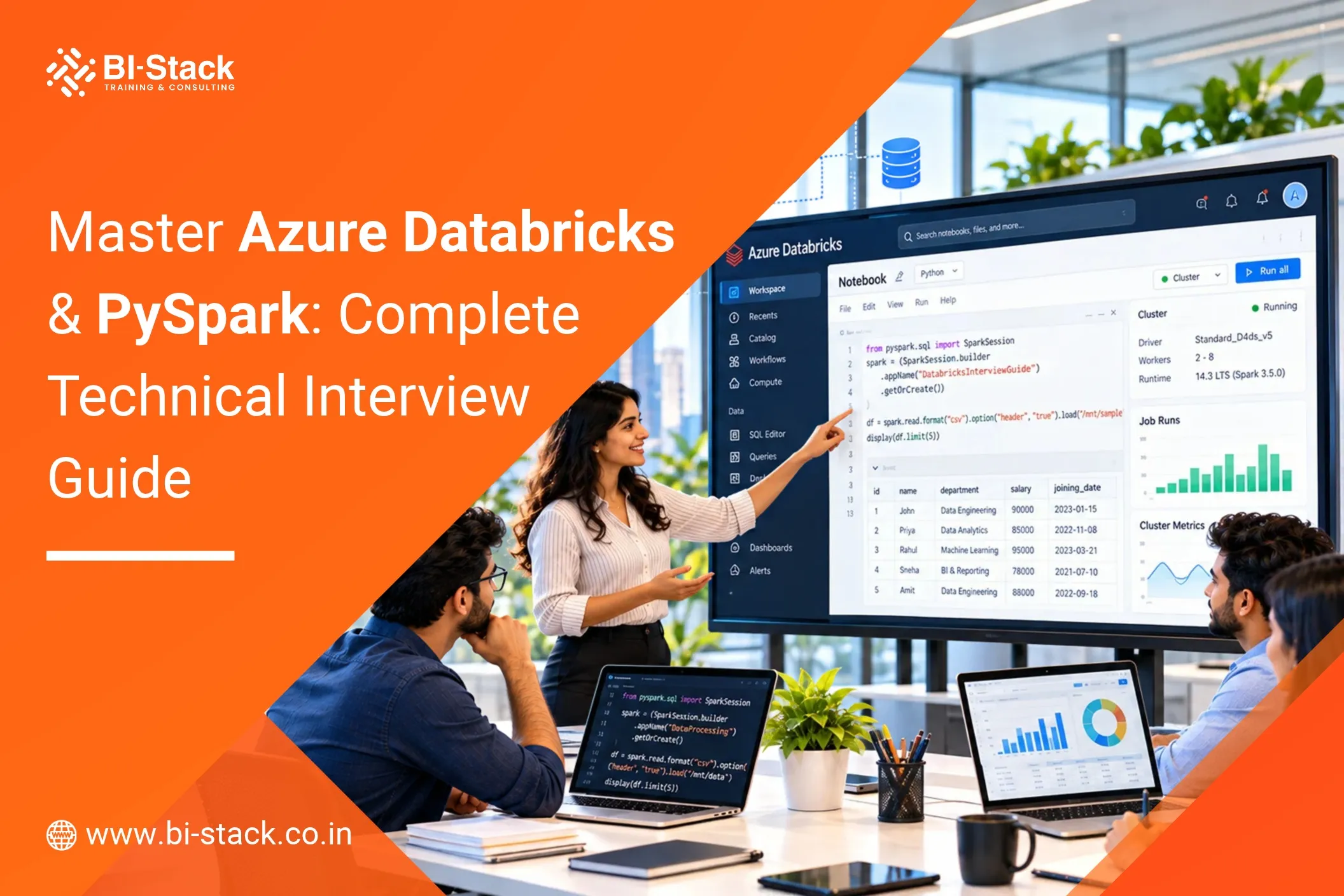
A production-oriented, comprehensive interview preparation guide based on Databricks training notes led by Vijay Sir. Designed for modern Data Engineers, Cloud Architects, and ETL Developers preparing for technical interviews.
1. Data Engineering Foundations & Cloud Environment Setup
Question 1: How does modern Data Engineering different from traditional ETL processing?
Traditional ETL (Extract, Transform, Load) relies on legacy tools like Informatica, SSIS, and Alteryx. It primarily handles structured data loaded into centralized Data Warehouses for Business Intelligence (BI) and reporting teams.
Modern Data Engineering manages Big Data, defined by the 3 Vs:
- Volume: Datasets spanning terabytes to billions of records.
- Velocity: High-speed stream generation (e.g., 1 million records per minute).
- Variety: Structured, semi-structured (JSON, CSV, XML), and unstructured formats (images, audio, video).
Modern architecture heavily favors ELT (Extract, Load, Transform) using distributed computing platforms like Apache Spark (Databricks, Microsoft Fabric, GCP DataProc). Raw data is loaded into a Data Lake before applying downstream transformations, serving Machine Learning (ML) engineers, AI applications, and Data Scientists alongside BI teams.
Question 2: What are the key operational differences between Databricks Free Community Edition and Enterprise Azure Databricks?
| Feature / Metric | Databricks Community Edition | Azure Databricks (Enterprise) |
| Hosting & Infrastructure | Free AWS backend hosted directly by Databricks | Integrated natively into Microsoft Azure |
| Storage Limitations | Capped at ~5 GB in internal Catalog Volumes | Unlimited storage via Azure Data Lake Storage Gen2 |
| Compute Scaling | Fixed single micro-cluster (~4-core processor) | Dynamic autoscaling custom clusters and serverless compute |
| Orchestration & Security | Manual notebook execution; no enterprise IAM | Azure Data Factory (ADF), Unity Catalog, Azure Key Vault, & SSO |
Question 3: How do you provision an Azure Databricks Workspace in production?
Provisioning requires configured resource hierarchies within the Azure Portal:
- Resource Group Creation: Create a designated container (e.g., Databricks-batch-June-26) in a cost-effective region like East US.
- Databricks Resource Provisioning: Search for Azure Databricks, select the active Subscription and target Resource Group.
- Workspace Configurations: Define the Workspace Name (e.g., workspace-June-26), set the region, and select the Trial (Premium – 14-Days Free DBUs) or Premium tier for Unity Catalog support.
- Access: Launch the workspace directly or configure Single Sign-On (SSO) for automated developer onboarding.
2. Storage Infrastructure & ADLS Gen2 Integration
Question 1: What is the difference between Azure Blob Storage and Azure Data Lake Storage Gen2 (ADLS Gen2)?
ADLS Gen2 is built directly on top of Azure Blob Storage by enabling a Hierarchical Namespace:
- Physical Directory Support: Blob storage uses virtual folders (if all files inside a folder are deleted, the folder ceases to exist). ADLS Gen2 supports true, physical directories regardless of file presence.
- Granular Access Control: Blob storage handles permissions primarily at the container level, whereas ADLS Gen2 allows fine-grained Access Control Lists (ACLs) down to individual folders and files.
Question 2: What is the step-by-step process to securely connect Azure Databricks to ADLS Gen2 using Unity Catalog?
Production setups utilize Managed Identities and Access Connectors rather than hardcoded credentials:
- Access Connector Provisioning: Create an Access Connector for Azure Databricks resource in Azure.
- IAM Role Assignment: Navigate to the ADLS Gen2 Storage Account in Azure IAM and assign the Storage Blob Data Contributor role to the Access Connector’s Managed Identity.
- Storage Credential Creation: In the Databricks Workspace Catalog, create a new Storage Credential referencing the Access Connector’s Azure Resource ID.
- External Location Setup: Create an External Location in Databricks pointing to the ABFS path format:
abfss://<container_name>@<storage_account_name>.dfs.core.windows.net/. - Validation: Read a dataset using PySpark to verify connectivity without managing storage keys directly.
3. Compute Architecture, Cluster Types & Cost Optimization
Question 1: Explain the Apache Spark cluster architecture (Driver vs. Worker Nodes) and sizing best practices.
Apache Spark operates on a master-worker distributed architecture:
- Driver Node: The main coordinator node that initializes the SparkContext, parses code, builds execution plans (DAGs), distributes tasks across workers, and aggregates final results.
- Worker Nodes: Distributed execution machines that run tasks in parallel and store partition data in-memory or on local disk.
- Sizing Rule: The Driver node configuration must always match or exceed the highest specification worker node in the cluster to prevent Driver Out-Of-Memory (OOM) failures during result aggregation.
Question 2: What are the primary compute types available in Databricks?
- Serverless Compute: Fully managed by Databricks. Compute scales automatically without user-managed driver/worker configuration, though it does not support .cache() or .persist() methods.
- All-Purpose Compute: Interactive compute used by developers in the UI console for exploratory tasks, notebook debugging, and machine learning.
- Job Compute: Automated clusters dynamically spun up when a scheduled workflow starts and automatically terminated upon job completion to save costs.
- SQL Warehouse (Starter): Optimized compute running the Photon engine designed specifically for low-latency SQL execution and BI tool connections.
Question 3: How do you control platform costs in an enterprise Databricks deployment?
- Auto-Termination Rules: Enforce cluster shutdown after a set period of inactivity (e.g., 60–120 minutes).
- Autoscaling Boundaries: Set strict minimum and maximum worker limits on clusters to adapt to processing bursts without run-away billing.
- Job Clusters over All-Purpose Clusters: Execute production schedules exclusively on automated Job Clusters, which cost significantly less per DBU.
- Storage Tiering: Move historical ADLS Gen2 files from Hot to Cool or Cold/Archive access tiers based on usage frequency.
4. Medallion Architecture & Data Warehousing
Question 1: Explain the Medallion Architecture pattern and the purpose of each layer.
The Medallion Architecture is a conceptual design pattern that structures data into three distinct layers to progressively improve data quality:
Raw Sources (ADLS / APIs)
        │
        ▼
┌───────────────────────┐
│     Bronze Layer  |   │  <-- Raw ingestion zone, unvalidated data
└───────────┬───────────┘
            │
            ▼
┌───────────────────────┐
│     Silver Layer  |   │  <-- Cleansed, schema-enforced, cast Delta tables
└───────────┬───────────┘
            │
            ▼
┌───────────────────────┐
│      Gold Layer   |   │  <-- Business-ready Star/Snowflake schemas for BI/ML
└───────────────────────┘
- Bronze (Raw): Ingests source files (e.g., ServiceNow logs) directly from ADLS into raw landing tables without schema validation or cleaning.
- Silver (Cleaned/Curated): Cleanses raw data by casting data types, handling missing values, filtering invalid records, and enforcing schema rules.
- Gold (Business Ready): Aggregates data into dimensional models (Star or Snowflake schema featuring Fact and Dimension tables) optimized for BI consumption (e.g., PowerBI) and analytics.
Question 2: How do you optimize a SQL MERGE INTO (Upsert) operation performance in Databricks?
A default WHEN MATCHED THEN UPDATE updates matching target rows continuously even if incoming values are identical, causing unnecessary transaction logging and file rewrites.
Optimization: Add conditional checks to ensure updates trigger only when data values actually differ:
MERGE INTO EDW_gold.fact_event_log AS target
USING EDW_silver.service_now_event_log AS source
ON target.event_id = source.event_id
WHEN MATCHED AND (
target.status <> source.status OR
target.assigned_to <> source.assigned_to
) THEN UPDATE SET
target.status = source.status,
target.assigned_to = source.assigned_to
WHEN NOT MATCHED THEN INSERT *;
This conditional check eliminates redundant I/O operations and speeds up incremental merges.
Question 3: How are Slowly Changing Dimensions (SCD) handled in Data Warehousing?
- SCD Type 0 (Retain Original): Dimension attributes never update; original values are retained permanently.
- SCD Type 1 (Overwrite): Existing dimension records are directly overwritten with updated values. No historical record is preserved.
- SCD Type 2 (Add Historical Row): Preserves complete historical context by writing a new row upon every modification. Uses validity columns such as Valid_From, Valid_To, and Is_Current.
- SCD Type 3 (Add New Column): Retains previous and current values side-by-side using dedicated columns (e.g., Current_Region, Previous_Region).
5. Delta Lake Architecture & Table Operations
Question 1: What is the difference between Managed, External, and Foreign tables?
- Managed Tables: Databricks manages both metadata and physical storage files. Dropping the table deletes both the catalog metadata and the underlying storage data.
- External Tables: Metadata is stored in the Databricks Catalog, but underlying Parquet files reside in user-managed ADLS Gen2 locations. Dropping an external table deletes metadata only; physical storage files remain intact.
- Foreign Tables: Read-only references connected to external relational databases (e.g., SQL Server, Oracle) without converting data into local Delta files.
Question 2: How do Delta Lake Transaction Logs (_delta_log) and Time Travel work?
Delta tables store data in compressed Parquet format alongside an explicit transaction log folder called _delta_log:
Transaction Log Mechanism: Any write, update, or delete commit generates a paired .json and .crc file inside _delta_log tracking the precise metadata change.
ACID Compliance: Guarantees Atomicity, Consistency, Isolation, and Durability across cloud storage.
Time Travel: Queries read transaction log histories to re-create snapshot states of data at specific versions or timestamps. The default retention period is 7 days (configurable up to 30 days or more).
6. PySpark Execution Engine & Performance Optimization
Question 1: Explain Lazy Evaluation, Transformations, and Actions in PySpark.
- Lazy Evaluation: PySpark delays executing operations until an explicit action is called. It builds a Directed Acyclic Graph (DAG) to optimize the full execution plan prior to cluster processing.
- Transformations: Operations that define logical operations on DataFrames without processing underlying files immediately (e.g., filter(), select(), withColumn(), groupBy()).
- Actions: Commands that trigger physical cluster computing jobs to output or persist results (e.g., display(), count(), show(), write, saveAsTable()).
Question 2: Compare Narrow vs. Wide Transformations.
- Narrow Transformations: Processing occurs locally within individual worker partitions without moving data across the network (e.g., filter(), select(), cast()).
- Wide Transformations: Operations that require Data Shuffling—redistributing data across multiple cluster worker nodes over the network—which can introduce processing bottlenecks (e.g., groupBy(), join(), distinct()).
Question 3: How do Caching and Persisting optimize PySpark operations?
When multiple actions query the same intermediate DataFrame, PySpark re-executes the raw storage file scan for each action by default. Caching saves intermediate output in worker node memory, executing an in-memory table scan instead of repeated disk reads.
Python
# Import column utility
from pyspark.sql.functions import col
# Load dataset
df = spark.read.csv(“/Volumes/project1/default/inbox/data.csv”, header=True, inferSchema=True)
# Apply transformation and cache
df_filtered = df.filter(col(“Region”) == “England”).cache()
# First action triggers computation and fills cache
count_val = df_filtered.count()
# Subsequent actions reuse in-memory data
display(df_filtered)
# Release memory when processing completes
df_filtered.unpersist()
- .cache(): Defaults to storing data in memory, spilling over to disk if RAM is exhausted.
- .persist(): Offers explicit storage configuration levels (MEMORY_ONLY, DISK_ONLY, MEMORY_AND_DISK).
- Serverless Limitation: .cache() and .persist() are not supported on Serverless Compute or Community Edition because they require direct access to custom cluster RAM/disk hardware.
Question 4: What is the difference between repartition() and coalesce()?
- repartition(n): Can increase or decrease partition counts. Triggers a full network data shuffle, making it ideal for balancing data skew across nodes prior to heavy joins.
- coalesce(n): Used exclusively to decrease partition counts. It avoids a full network shuffle by merging adjacent partitions on the same node, making it much faster for output file consolidation.
Question 5: How do you resolve Out-Of-Memory (OOM) errors in PySpark?
- Cluster Memory Re-configuration: Stop the cluster and manually increase the executor.memory or driver.memory configuration parameters (e.g., raising memory limits from 2 GB to 4 GB).
- Column Pruning: Select only required columns early using select() rather than select(“*”) to minimize memory usage.
- Filter Predicate Pushdown: Apply .filter() statements as early as possible in the notebook execution order before running complex operations or joins.
7. Ingestion, Auto Loader & Unity Catalog
Question 1: What is Databricks Auto Loader and how does it compare to traditional batch ingestion?
Auto Loader (cloudFiles format) is built for scalable, continuous, or incremental ingestion of incoming cloud data files (CSV, JSON, Parquet):
Python
# Incremental file ingestion using Auto Loader
df_stream = (spark.readStream
.format(“cloudFiles”)
.option(“cloudFiles.format”, “csv”
.option(“cloudFiles.schemaLocation”, “/mnt/adls/checkpoints/schema”)
.load(“/mnt/adls/bronze/inbox/”))
- Directory Checkpointing: Tracks already-processed files via checkpoint paths, ingesting only newly arrived files without executing costly directory listings.
- Use Case: Choose Auto Loader for continuous/incremental streaming pipelines. Use traditional batch reads (spark.read.csv) for static lookups or total TRUNCATE AND LOAD operations.
Question 2: How does Schema Evolution work in Auto Loader?
- Enabling .option(“cloudFiles.schemaEvolutionMode”, “addNewColumns”) automatically mutates the target Delta table schema without breaking ingestion pipelines.
- If a new column is detected, the stream mutates the catalog schema automatically to accommodate the appended attributes.
Question 3: What is the role of Unity Catalog in enterprise governance?
Unity Catalog provides a centralized governance layer across Databricks workspaces:
- Hierarchy: Metastore -> Catalog -> Schema (Database) -> Tables/Views/Volumes.
- Data Lineage: Automatically tracks and visualizes end-to-end data lineage across upstream storage files, Bronze/Silver/Gold Delta tables, and downstream PowerBI dashboards.
- Cross-Workspace Sharing: Enables secure data access across multiple workspaces and departments without duplicating data files.
8. Orchestration, Git Integration & Security
Question 1: Why is Azure Data Factory (ADF) preferred over Databricks native job scheduling in enterprise environments?
Databricks Workflows (native jobs) support time-based schedules (e.g., running every hour). However, if source files have not landed in ADLS Gen2, the scheduled notebook executes anyway, fails, and generates unnecessary cluster compute costs.
Enterprise Solution: Azure Data Factory (ADF) serves as an event-driven orchestration layer:
- ADF monitors file arrival events in ADLS.
- Upon file confirmation, ADF explicitly triggers the Databricks notebook/job using a Linked Service and API Access Token.
- ADF handles complex, cross-platform enterprise dependencies (e.g., waiting for SAP/ServiceNow extracts to complete before executing Databricks transformations).
Question 2: What is the standard Git integration workflow in Databricks?
Databricks Repos integrates directly with GitHub via Personal Access Tokens:
[Main Branch]
│
└──> Create Feature Branch ──> Modify Notebooks ──> Commit & Push
│
[Main Branch] <── Merge PR <── Review & Approve PR <─────────┘
- Feature Branching: Developers create a dedicated feature branch off the main branch inside Databricks Repos.
- Commit & Push: Work performed inside notebooks is committed and pushed to the remote GitHub feature branch.
- Pull Request (PR): Open a PR in GitHub for peer code review.
- Merge & Cleanup: Once approved, the PR is merged into main, triggering automated CI/CD pipeline deployments across Dev, Test, and Production workspaces.
Question 3: How are passwords, connection strings, and API keys securely managed?
Hardcoding credentials in notebook code is strictly prohibited. Secrets are stored inside Azure Key Vault. Databricks access configurations reference Key Vault Secret Scopes dynamically at runtime, ensuring sensitive passwords remain hidden from developers and log files.
Contact Us
Prepare for Your Next Data Engineering Interview!
Master Azure Databricks and PySpark with industry-focused training, hands-on projects, and real-world scenarios. Strengthen your technical skills and get ready for your next career opportunity.
Call Now: +91 9322135352
Location: Pune, Maharashtra
Mode: Online & Classroom Training
Certification Support: Yes
Placement Assistance: Yes
Join Azure Databricks & PySpark Training with Vijay sir. Contact Us Today for Batch Details!